The hazard was not on the job sheet.
Solved Reported in the app at the property, whatever the order was for.

An engineer who finds a hazard reports it in the app at the property, with photographs. The office is alerted at once, acknowledges it by name and records every step through to the landlord.
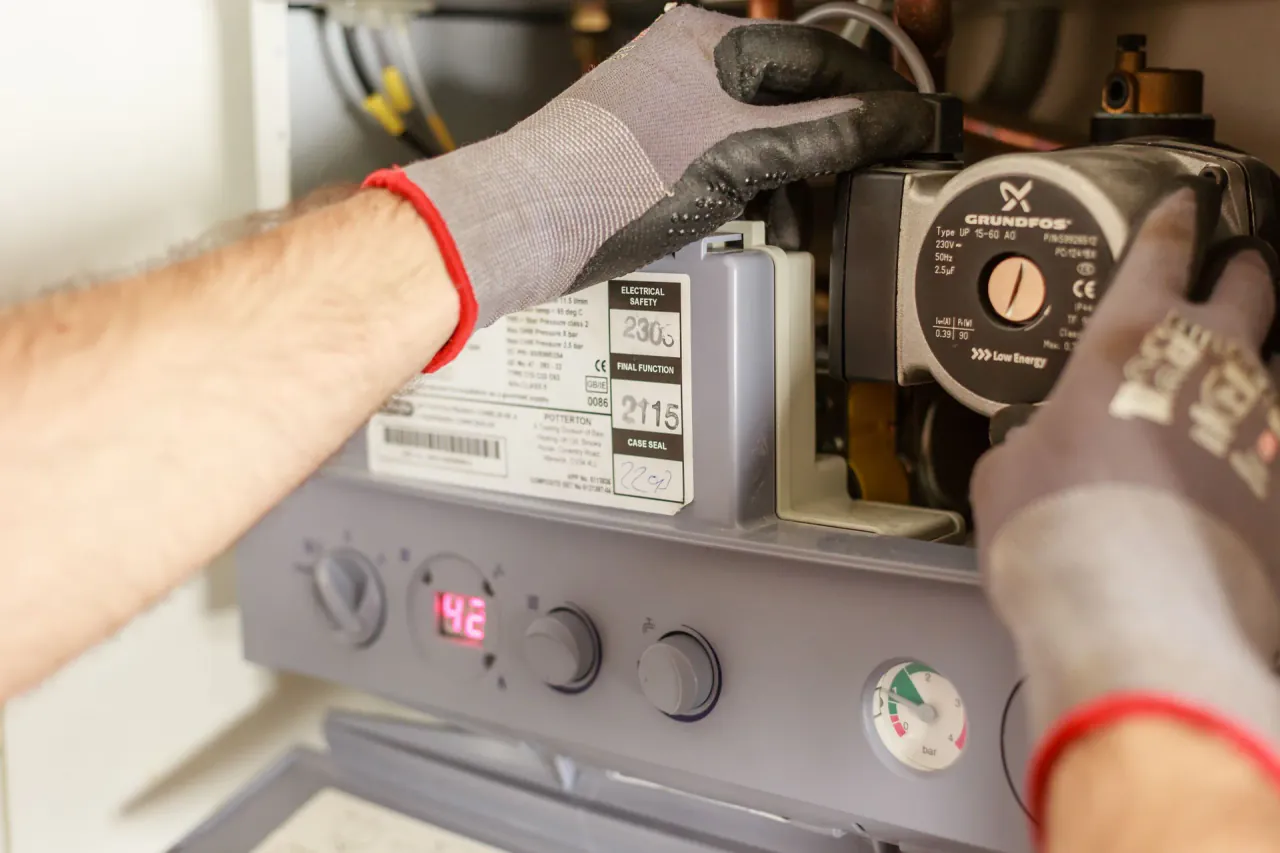
What goes wrong between the hazard an engineer sees and the record a landlord needs, and how Unibuild closes the gap.
Solved Reported in the app at the property, whatever the order was for.
Solved Submitting it alerts the office at once, by phone and by email.
Solved Reported, picked up and every step after, timed automatically.
Solved Kept on the phone as it is typed, and never filed twice.
Solved Where, how bad, why and what was done, with every photograph.
Solved The engineer marks the suspected urgency. The landlord decides.
Solved Who was told, and when, recorded on the same report.
Solved The Hazard Register: every report and its actions on one page.
Solved The completed report as a PDF, or shared on your client portal.
Solved Remaining risk handed over to a named person, on the record.
Solved Phase 1 and phase 2 hazards on one report, built to your form.
Awaab’s Law gives social landlords in England fixed timescales to investigate and make safe hazards in their tenants’ homes. It applies to social housing, and the legal duty sits with the landlord. It has applied to damp and mould and to every emergency hazard since 27 October 2025. It is named after Awaab Ishak, who died in 2020 after prolonged exposure to mould in his family’s home.
The work that meets those timescales is usually done by repairs and maintenance contractors. Their engineers are often the first to see a hazard, and the guidance names contractors among the routes by which a landlord becomes aware. Unibuild gives those engineers a way to report it at once, with evidence, and gives the office a record of everything that happened next. For the full background, read Awaab’s Law for repair contractors.
The timescales are the landlord’s. A contractor’s report can start them, and a contractor’s record usually shows whether they were met.
| Stage | The landlord’s timescale | The contractor’s part |
|---|---|---|
| Emergency hazard | Investigate and complete the work to make the home safe within 24 hours. The 24 hours run from the moment the landlord becomes aware. | Make safe within competence, then report at once by phone as well as in the app |
| Significant hazard: investigation | Investigate within 10 working days of becoming aware | Photographs and a clear report can let the investigation be carried out remotely |
| Written summary | Give the tenant a written summary within 3 working days of the investigation concluding | Findings back to the landlord the same day, so the summary is not held up |
| Significant hazard: safety work | Complete the relevant safety work within 5 working days of the investigation concluding | Attend, make safe and record it, with photographs before and after |
| Preventative work | Begin within 5 working days, or where that is not possible within 12 weeks, and complete within a reasonable period | The work that stops the hazard coming back, recorded separately from the make-safe |
| When the home cannot be made safe in time | Arrange suitable alternative accommodation at no cost to the tenant | Report early when parts, access or a specialist will hold the work up |
Working day timescales count from the working day after the landlord becomes aware. This is general guidance on the law in England, not legal advice.
Phase 1 has covered damp and mould and every emergency hazard since 27 October 2025. Phase 2 is due to come into force on 30 November 2026, under regulations approved by both Houses of Parliament in October 2026. Each phase 2 hazard, with the government’s examples.
Visible or hidden mould, wet walls and ceilings, water coming in, failed extract fans and condensation that keeps returning.
Any hazard of any kind that needs making safe within 24 hours, from a dangerous electrical fault to a ceiling about to fall.
Heating that has failed or cannot keep the home warm, severe draughts and heat loss, and rooms that overheat with no way to cool them.
Falls on the level, on stairs and steps, and between levels. Falls in bathrooms and at small changes in level now count as falls on the level.
Fire, explosion and electrical risks inside the home. Fire defects in the common parts of a block are dealt with under fire safety law instead.
Collapse or falling elements, and one combined domestic hygiene hazard covering pests, waste, food safety, washing, sanitation and drainage.
Each step is timed and recorded against the person who took it. The report answers the question the law asks: who knew what, and when.
The engineer completes the report in the app, ticks each hazard seen, marks the suspected urgency and adds photographs. Submitting the report is reporting it to the office.
It takes the next reference number and the time it arrived, and shows as awaiting the office.
The office receives a notification on the phone and an email, and the report appears on the alerts page in the office portal. A suspected emergency is marked as one.
The email carries the hazards, the urgency and what was done on the day. The resident’s details and the photographs stay in the portal.
One click in the office acknowledges the report and records who picked it up, and when. Until then, the report shows how long it has been waiting.
The engineer sees on the phone whether the office has picked it up.
The office completes its own section: who the hazard was reported to and how, the escalation and its time, and whether a director and the landlord were told.
Any risk that remains is handed over to a named person, on the record.
The office records the outcome and marks the report closed or transferred, with the reviewer’s name and the time. A report reopened later keeps its full history.
In your own staff app, office portal and client portal, as part of the health and safety module.
Your checksheet, laid out for a phone held in a resident’s home: the visit, the hazards, the evidence, the action taken and the engineer’s own completion check.
The report opens with the rule the guidance sets: look beyond the job sheet. The engineer confirms the access route was checked and the resident was asked about the problem.
A banner on the report puts the office’s number one tap away. The engineer makes safe within competence, phones the office, then completes the report.
As many photographs as the hazard needs, from the camera or the gallery, sent with the report from the property. More can be added until the report is closed.
A phone notification and an email go to the people in the office you choose. The alerts page lists every report not yet picked up, with a count on its badge.
When an engineer rings a hazard through, the office completes the report for them and names the engineer who gave it. The report shows who entered it.
Every report on one page: the hazards, what was done on the day and what the office has done since. The counts at the top work as filters.
Each report links to its project and the work order it came from. Projects marked as social housing carry an Awaab’s Law tile with the reports waiting and open.
Every step on the report is recorded with the person and the time, from submission to close. The engineer’s findings are locked once sent.
The completed checksheet in your company’s branding, laid out as the landlord expects, with a photo sheet after it. Internal office notes never appear on it.
The office shares a report with the landlord’s staff on your client portal with one click, and removes it the same way. Nothing reaches the landlord until the office chooses.
Reports hold residents’ names, phone numbers and photographs of their homes. The office people you choose see every report, and each engineer sees only their own.
A report describes a resident’s home and, often, their health. Each person sees what their part needs.
| Who | Sees | Can |
|---|---|---|
| Engineers and operatives | Their own reports, with the office’s status, escalation and outcome | Report a hazard, add photographs until the report is closed, download the PDF |
| The office | Every report, the alerts and the Hazard Register | Acknowledge, complete the office section, close, transfer or reopen, link a project, report for an engineer, share with the landlord |
| Administrators | Everything the office sees | Everything the office can, and delete a report with a reason that stays on the timeline |
| The landlord’s staff | Only the reports the office shares, on their own projects, through your client portal | Read the report, view the photographs and download the PDF |
You choose who in the office sees every report and receives the alerts. Office notes and the timeline are never shown to the landlord.
Unibuild is bespoke business software for UK trades and specialist contractors: a platform in daily production since 2016, shaped to the way each firm already works. Your own Awaab’s Law form is built in, and changes after go-live are inside the monthly fee.
Your staff app is published on the App Store and Google Play under your company’s own name and icon. Your engineers download your app, not ours, and the app works on sites with no signal.
The reports sit with the job’s visits, photographs, dynamic risk assessments and certificates. Records are kept for seven years, and every record exports at any time.
Awaab’s Law reporting sits in the health and safety module, beside near miss and accident reporting. One monthly figure covers every module, with unlimited users, so every engineer who reports a hazard is included.
For firms still on paper, or briefing engineers before phase 2. Free to use and reuse, with no sign-up.
The engineer’s report for phase 1 and phase 2 hazards, with the urgency, the evidence, what was made safe and an office section for the escalation and handover. Editable PDF and Word.
A talk for engineers and trades working in social homes: what the law is, the phase 2 hazards, looking beyond the job sheet, and reporting without delay. PDF and Word, with an attendance record.
The product information on this page is published by Unibuild. The legal references below cover social housing in England and were checked on .
Same platform, same login. These are the modules that plan the work, record it, and hold the evidence it was done properly.
The law in full, the records a repairs firm keeps, and the visits that follow a report.
A 30-minute live demo. An engineer reports a hazard on the phone with photographs, the alert arrives in the office, and we acknowledge it, escalate it and share it with the landlord.
All elevenSolved
Two minutes. A written figure by email, usually the same working day. Unlimited users, so every engineer who reports a hazard is included.
UK-built · CDM · CIS · MTD