Skip to content
The field app

Your paperwork, finished
before he leaves site.

The Unibuild app gives every engineer, operative and supervisor the part of the system they actually need, and nothing else. Hours, photographs, certificates, permits, purchase requests and customer signatures are captured where the work happens, and appear in the office the moment they are saved.

24 modules, Android and iOS 5,204 punches recorded 17,333 diagnostic log entries granted per person
What it replaces

Every one of these is a record
made away from the work.

Not one of them is a person who did not care. They are all the same problem: the paperwork happens somewhere other than where the job did.

Monday morning
Hours arrive as a message saying same as last week. Nobody can prove what time anyone arrived.
Unevidenced
In the van
The gas record is on a carbonised pad. The top copy goes to the tenant, the rest goes in the glovebox.
Chased for a fortnight
The camera roll
Progress photographs live on a personal phone. That phone left the company in March.
Evidence gone
Half past seven
A purchase request is a phone call to somebody who is driving. The van waits at the counter.
Forty minutes
The site office
Permits are a pad of triplicate forms. Half are unsigned and the dates are scribbles.
Indefensible
Anywhere
Nobody in the office knows which phone is on which app version, or who granted camera access.
It is not working for Dave
The fix Move the record to where the work is Everything else follows
What is on the phone

Six things that decide whether
an app gets used or ignored.

Twenty-four modules,
granted per person

Access

The home screen is built from your database, not ours. Tick the modules a given engineer needs on their user record and their phone reflects it next time they open it.

  • No new app release required
  • App access is a separate list from web access
  • A supervisor can have a rich phone and a narrow desk
  • 47 distinct app access patterns in live use
Nobody sees all of itLive

Punch in by scanning
the site poster

Hours

Print the project poster, put it on the welfare unit door. Scanning it records the project, the server time, the operative's location and a photograph.

  • The time comes from the server, not the phone
  • It cannot be back dated by changing a phone clock
  • Projects can be set so QR is the only way in
  • 3,421 of 5,204 punches carry a photograph
Attendance as evidenceLive

Signed on the phone,
before he drives away

Sign

Gas safety records, engineer's reports, day work sheets, call-outs, permits, toolbox talks and store collections all take signatures on the screen.

  • The signatory's printed name and the date against it
  • Drawn straight into the generated document
  • More than thirty forms capture one
  • A signed day works sheet is a paid day works sheet
Agreement where the work wasLive

Approvals in
your pocket

Decide

One Alerts module carries six queues with a live count that is calculated for the individual, so the badge shows work you actually have authority over.

  • The notification opens the approval screen itself
  • Purchase orders, timesheets, holidays, agency workers
  • Reject with a written reason that reaches the requester
  • A director clears a queue between site visits
Minutes, not daysLive

Scan a tool, see
its test history

Assets

Every asset carries a label sized for a desktop label printer. Scan it and the phone shows the test record, the service history and the attachments.

  • Class, fuse, insulation, leakage, polarity, pass or fail
  • Maintained assets return their PPM and SFG20 schedules
  • Fire assets return their inspection records
  • Nobody uses a tool that is out of date
The record travels with the itemLive

You can see
the phones

Support

One page lists every handset, the version it is running, the model, when it was last used and whether notifications are switched on.

  • Each user's record shows which permissions their phone granted
  • A photograph that never arrives takes two minutes to explain
  • Deactivating a user revokes every device session at once
  • A lost phone can be signed out on its own

54 handsets reportingLive
The only question that matters

Will your engineers
actually use it?

Every contractor asks this, and most software companies answer it with adjectives. Here is the mechanical answer instead.

They will use four or five screens and ignore the rest
Which is exactly why the app only shows them the modules you have granted. An engineer with six modules on his home screen is looking at a tool. An engineer with twenty-four is looking at a system, and he will not open it twice.
The app is how they get paid
This is the whole mechanism, and it is not a design flourish. Punching in and recording hours is the reason to open it, every day, without anybody asking. Everything else in the app is then already in a place they are used to going.
Login is a four digit PIN
Not a password with a capital letter and a symbol, typed with gloves on, at seven in the morning, in the rain. The PIN also makes a shared site tablet usable by several people who each sign as themselves rather than staying logged in as whoever set it up.
The evidence, rather than the promise
5,204 punch records and 6,643 timesheet day lines in one deployment alone, every punch from an operative scanning a printed code. 4,237 of those day lines came from a scan rather than a keyboard. 200 of 244 fire door inspection records were raised on the phone, and 242 of them carry a signature drawn on the screen.
And the part we will not pretend about
Adoption does not happen by itself. It needs supervisors to expect it for the first fortnight, and it needs the paper route closed rather than left running alongside. We help you plan that. The platform helps too: the office can see which handsets have actually granted notification permission, so "I never got the alert" becomes a two minute diagnosis rather than an argument.
Bring one to the demo His opinion decides this, not the director's We will set up a sandbox with your project names
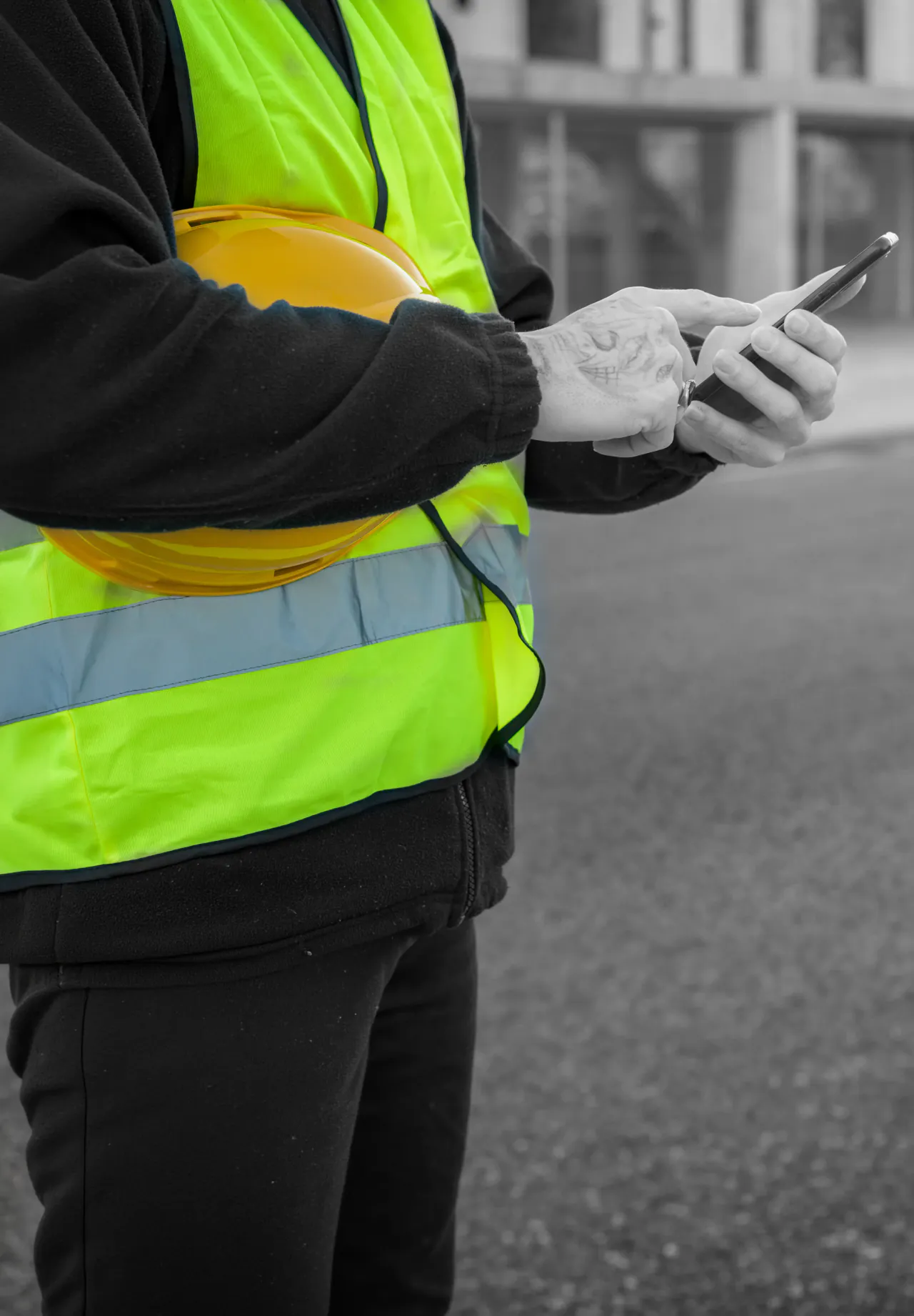
Site operative using a phone on a construction site
6,915Punch photographs stored
5,478Push notifications sent and logged
17Agency workers onboarded on their own phone

Counted in the construction deployment, July 2026. Handsets in real use span iPhone, iPad, Samsung Galaxy, Motorola, OnePlus, vivo and ZTE.

Running it across a fleet of phones

Adding a module does not
mean updating every handset.

Version gating on the server
Every request the app makes carries the version it is running, and modules that need a newer build are simply not offered to older ones. That is how the construction deployment has added modules over several years without a coordinated fleet wide update. Where a release genuinely must be adopted, a required update message can be switched on.
Agency labour onboarded at the gate
A temporary worker registers on his own phone at seven in the morning: name, contact, PIN, card number, card expiry and photographs of both sides of the card. He cannot log in at all until somebody with authority approves him, and that approval is stamped on the record with a name and a time. When a main contractor asks who checked the card, there is an answer.
Leavers, immediately
Deactivating a user revokes every device session they hold in the same operation, so the app on their phone stops being authorised on its next call rather than continuing on a cached session. A single device can also be signed out on its own, which is what you want when a phone is lost rather than a person.
Training without touching a live record
The platform can run a sandbox that mirrors the live database, so a new starter or a new release is exercised on realistic data, in the same screens, with the same permissions, and nothing anyone does reaches a real order, a real client or a real account. The usual reason staff avoid part of a new system is that the only place to practise is the live one.
What it does not do

Four things, and the first
one gets asked in every
demonstration.

Contractors ask about offline working in the first ten minutes. Being straight about it buys more credibility than the feature would.

01
It needs a connection
There is no offline queue. Most forms let the engineer enter the real date and time himself, so work done in a basement or a plant room can be written up once he is back in signal and the record is still accurate. Punch in is the exception that genuinely needs signal at the time, because the time is stamped by our server rather than the phone, which is precisely what makes attendance evidence. We would rather tell you that than have you find out in a basement.
02
The app does not email your customer
It produces the certificate and the engineer shares it. Emailing a document to the client is a web portal function, wired into specific screens rather than being a universal button on every document. Expanding it to the documents you send most is a normal part of the configuration work.
03
No reporting screen
There is no analytics, no dashboard and no report in the app, on purpose. An engineer standing in a plant room needs three taps and a camera. The dense filterable screens live in the office portal where somebody has a desk and two monitors.
04
Location is recorded, not enforced
Punch coordinates are captured and shown to the reviewer as a map link before approval. There is no automatic rejection of a punch made away from the site, so it is not a geofence and we will not call it one. Adding a distance check against your site boundaries is straightforward tailoring if you want it.

Everything in the six cards above is in daily use across two UK businesses. These four are not.

Questions

Asked by the person who
has to roll it out.

Does it work without a signal?+
Not for saving, and we would rather say so than let you find out in a basement plant room. The app needs a connection to write a record. What it does do is let the engineer enter the real date and time for a timesheet, day work, report or certificate when he comes back into signal, so the record is accurate even though it was saved late. Punch in is the one exception that genuinely needs signal at the moment it happens, because the server sets the time, which is what makes attendance evidence rather than a claim.
What happens when someone leaves, or loses their phone?+
Deactivating the user revokes every device session they hold, immediately. A single device can also be signed out on its own from the user's record, which is what you want when a phone is lost rather than a person. You can see every device with a live session, the handset model and when it was last used.
Do we have to update every phone at once when you release something?+
No. Every request the app makes tells us which version it is, and modules that need a newer build are simply not offered to older ones. That is how one deployment has added modules over several years without a coordinated fleet update. When a release genuinely must be adopted, a required update message can be switched on.
We already have a timesheet app. Why change?+
You probably should not change if timesheets are all you need. The reason contractors move is that the timesheet app does not know what a day work sheet is, does not produce a gas safety record, does not hold the purchase order approval committee and does not put the photograph on the project. Unibuild's app is one login covering all of it, because it is the same database as the office system rather than a separate product that has to be reconciled with one.
Can we test a change before it hits our live records?+
Yes. There is a sandbox that mirrors the live database, so a session can be put onto a separate test copy. It is how new starters are trained and how releases are checked, without a single live record being touched. This matters more than it sounds, because the usual reason staff avoid part of a system is that the only place to practise is the real one.
Is it one app or two? Our clients would need one as well.+
There are two different experiences. Your staff get a twenty-four module field app. Your clients get a separate seventeen module app with its own menu, its own endpoints and its own access rules, covering their projects, photographs, documents, asset registers and certificates. A client account can never be served a staff screen, and a staff account never sees the client menu. The client side is covered properly on its own page.
What happens to the paperwork we already have?+
Historical certificates, records and photographs are brought across as part of implementation and attached to the right projects and assets, so the app is not starting from an empty register. The scope of that migration is agreed up front, because it is usually the largest single piece of work in going live and it is where an implementation either stays on programme or does not.
No card, no lock-in

If your engineers will not
open it twice, we should
not be paid.

30-day free trial

Your real sites, your real people, your real paperwork.

A sandbox with your names in it

So nobody is judging it on somebody else's data.

Bring an engineer

Let him try it in the meeting. That is the real test.

Cancel by email

One sentence to [email protected]. Done.

UK data, UK support

UK office, working hours, a real phone number.

Unlimited users

Every operative, every apprentice, every subbie. Same price.

Next step

Bring one of your engineers
and let him try it.

The point His opinion decides whether this works for you We will set up your project names first