AI RAMS review

RAMS reviewed by AI
before anyone signs them.

Unibuild’s AI RAMS review reads a risk assessment and method statement before it is released or accepted, and flags what your competent person should put right. It runs in the same system where the RAMS is written, approved, briefed and signed.

Two operatives in coveralls and respirators checking the plan of work on a clipboard before starting
Problems we solve

Eleven RAMS problems. All eleven solved.

From the RAMS sent back by the principal contractor to the signature nobody can prove.

11/11Solved in one system
Book a demo →
Solved

A RAMS sent back by the principal contractor

What goes wrong

A RAMS goes to the principal contractor on Thursday for a Monday start. It comes back on Friday afternoon with comments: a control that says nothing, a hazard with no control against it, last job’s emergency arrangements.

Each round trip costs a day, and sometimes the start date. The comments are nearly always the same ones, and every one of them could have been caught before the RAMS left the office.

How Unibuild solves it

In Unibuild, the AI reviews the RAMS before it is released. It flags vague controls, gaps and inconsistencies, and the writer puts them right on the same document.

What reaches the principal contractor has already had a second read, so the comments that come back are about the job rather than the paperwork.

  • Reviewed before it is released
  • Fixed on the same document
  • Fewer round trips before the start

See the AI review working on one of your own RAMS.

Solved

Subcontractor RAMS accepted without a proper read

What goes wrong

On a busy job, subcontractor RAMS arrive faster than anyone can read them. They are opened, checked for the right headings and filed.

As principal contractor, CDM 2015 regulation 13 requires you to plan, manage, monitor and coordinate health and safety during the construction phase. If one of their operatives is hurt, the question is what you did with their RAMS when it arrived.

How Unibuild solves it

In Unibuild, a subcontractor’s RAMS is submitted into the same system as your own and reviewed by the AI before anyone accepts it.

Your reviewer approves it or returns it with comments, and the decision carries a name and a date. Both sides see where it stands.

  • Reviewed before acceptance
  • Approved or returned with comments
  • A name and a date on every decision

See the AI review working on one of your own RAMS.

Solved

Controls that nobody could check

What goes wrong

“Take care at height.” “Use appropriate PPE.” “Follow site rules.” Lines like these fill a RAMS quickly and control nothing, because nobody can check whether they were done.

They are among the commonest reasons a RAMS is returned, and they read badly to an inspector after an incident.

How Unibuild solves it

The AI review flags vague controls, so the writer can replace each one with something specific: which harness, which anchor point, who inspects the scaffold and when.

The change is made on the same document, and your competent person signs off the result.

  • Vague lines flagged
  • Replaced with something checkable
  • Signed off by your competent person

See the AI review working on one of your own RAMS.

Solved

A hazard listed, with nothing to control it

What goes wrong

A RAMS is often written in pieces: the method one evening, the risk assessment the next. A hazard named in the method never reaches the risk assessment, or reaches it without a control.

The MEWP is in the plant list, but nobody says who holds the rescue plan. The excavation is in the sequence, but the edge protection is not in the controls.

How Unibuild solves it

The AI review reads the method, the plant and the risk assessment together. Where a task or a piece of plant brings a hazard with no matching control, it is flagged for the writer.

The gap is closed before release, rather than found by the principal contractor or on site.

  • Method, plant and risks read together
  • Missing controls flagged
  • Closed before release

See the AI review working on one of your own RAMS.

Solved

A RAMS copied from the last job

What goes wrong

Most RAMS begin as the last one that was approved, saved under a new name. The site name gets changed. The access route, the hospital and the welfare arrangements often do not.

A principal contractor spots another site’s address in seconds. Regulation 3 of the Management of Health and Safety at Work Regulations 1999 asks for an assessment that is suitable and sufficient for this work.

How Unibuild solves it

Each RAMS in Unibuild is linked to its project, so the site name, address and job details fill in from that record.

The AI review then flags details that disagree across the document, and copy that belongs to a different job.

  • Project details filled in
  • Disagreements flagged
  • Written for this site

See the AI review working on one of your own RAMS.

Solved

Emergency arrangements that would not help on the day

What goes wrong

The emergency section is the one most often carried over unchanged. It names an assembly point, or a hospital from another job, and stops there.

The Work at Height Regulations 2005 count planning for emergencies and rescue as part of planning the work. The Confined Spaces Regulations 1997 require rescue arrangements before anyone enters.

How Unibuild solves it

The AI review flags an emergency section that is missing, thin or generic for the task, so the writer adds the arrangements this job needs.

Each operative then reads those arrangements on the phone before signing.

  • Missing arrangements flagged
  • Rescue planned before the work
  • Read by every operative

See the AI review working on one of your own RAMS.

Solved

A RAMS signed by somebody who could not read it

What goes wrong

UK sites run on many languages. A RAMS briefed only in English can be signed by an operative who followed little of it.

A signature on a document the person could not read is weak evidence. Regulation 10 of the Management Regulations requires employers to give workers comprehensible and relevant information on the risks they face.

How Unibuild solves it

In Unibuild, each operative reads the RAMS on the phone in their preferred language, with readability tools, and the app carries accessibility tools as well.

Every signature is recorded against the same version, so there is still one RAMS and one register for the job.

  • Their language, your RAMS
  • Readability and accessibility tools
  • One version, one register

See the AI review working on one of your own RAMS.

Solved

Agency, temporary and subcontract workers left out of the briefing

What goes wrong

Agency labour arrives on Tuesday, a subcontractor sends two more on Wednesday, and a temporary operative starts on Thursday. None of them has your app, and the briefing sheet is in the cabin.

CDM 2015 regulation 15(8) requires a contractor to give every worker under its control appropriate supervision, instructions and information. That includes the people who started this week.

How Unibuild solves it

Subcontract, agency and temporary workers can all sign in your app. Anyone who would rather not install it gets a unique signing link for each RAMS, which opens in any browser on a phone or a computer.

One click emails the link to the worker. The email stands as proof the RAMS was sent, and the signature joins the record when they sign.

  • Signed in the app or a browser
  • Emailed in one click
  • Proof it was sent

See the AI review working on one of your own RAMS.

Solved

Signatures nobody can prove

What goes wrong

A clipboard sheet shows a name. It does not show which version was signed, when, or whether the person was on site that day.

After an incident, the first question is whether the injured person was briefed on that RAMS, and when. An auditor asks the same question with more time to wait for the answer.

How Unibuild solves it

Unibuild stores every signature with its date, time and device details, and prints them as the final page of the RAMS PDF.

That page is the one auditors ask for. It is produced from the record, not assembled afterwards.

  • Date, time and device on every signature
  • Printed as the final page
  • Produced from the record

See the AI review working on one of your own RAMS.

Solved

A RAMS changed after people had signed it

What goes wrong

The method changes on Tuesday and the RAMS is edited. Half the gang signed the old version last week, and nobody can say who has seen the change.

Under regulation 3, an assessment is reviewed when there has been a significant change, and the people doing the work need to know what changed.

How Unibuild solves it

Every RAMS in Unibuild carries version control and an edit log. When a RAMS is edited, it has to be signed again.

Earlier versions stay readable with their own signatures, so you can always show who accepted which version, and when.

  • Version control on every RAMS
  • Every edit logged
  • Signed again after a change

See the AI review working on one of your own RAMS.

Solved

Records that are gone when somebody asks for them

What goes wrong

RAMS records outlive the job. An auditor, an insurer or a solicitor can ask about a RAMS from years ago, long after the site file went into storage.

A box file in a container, or a folder on somebody’s laptop, rarely survives that long intact.

How Unibuild solves it

Unibuild keeps every RAMS record for seven years: each version, its edit log, its approval and every signature.

The RAMS is exported exactly as it is held, whenever an auditor, a client or an insurer asks.

  • Kept for seven years
  • Every version and signature
  • Exported as held

See the AI review working on one of your own RAMS.

In plain terms

AI RAMS review is a check of a risk assessment and method statement by an AI model. It is made before the RAMS is released to site, or accepted from a subcontractor. It flags what a careful second reader would: vague controls, gaps and details that disagree.

Unibuild runs it inside the system where the RAMS is written, approved, briefed and signed. A flag becomes a fix on the same document, the operatives sign the fixed version, and the whole record is kept for seven years. The RAMS itself is covered on RAMS software.

When it runs

Checked before it goes out.
Checked before you accept it.

The same review runs at the two moments a RAMS can let a firm down, and on estimates, quotations and tender submissions too.

Your own RAMS, before release

The AI reads the RAMS before it is released to site or sent to the principal contractor. The writer fixes what is flagged, and the approved version is the one the operatives sign.

A subcontractor’s RAMS, before acceptance

A subcontractor submits its RAMS into Unibuild, and the AI reads it before your reviewer does. Your reviewer then approves it or returns it with comments.

Method statements and risk assessments

A method statement or a risk assessment issued on its own is reviewed the same way, before it is issued or accepted.

Estimates, quotations and tenders

Each is reviewed by AI before it goes out, in the same system as the job. AI document review covers the whole set.

Published by Unibuild Technologies Limited · Updated . Safety references.

What it flags

What AI RAMS review flags for your competent person.

The gaps a principal contractor looks for, found before the principal contractor finds them.

What the AI RAMS review flags, and what a good RAMS says instead
The flagWhat it looks like in a RAMSWhat a good RAMS says instead
Vague controls“Take care at height.” “Use appropriate PPE.”Which harness, which anchor point, and who checks them
A hazard with no controlA MEWP in the plant list, with no rescue plan in the controlsA control for every hazard the task and the plant bring
Copy from another jobAnother site’s access route, hospital or client nameDetails that belong to this site and this task
Generic emergency arrangementsAn assembly point, and nothing elseRescue, first aid, the nearest hospital and who raises the alarm
Site details that disagreeTwo start dates, or two addresses for one jobOne set of details, filled in from the project
PPE that does not match the hazardsNoise in the hazards, no hearing protection in the PPE listPPE chosen for the hazards this task actually has
Out-of-date referencesA withdrawn standard, or legislation that has since been replacedThe current standard or regulation
Other trades, the public and trafficA task written as if nobody else were on siteWho shares the area, and what keeps them apart
The whole RAMS

From the first draft to the last signature, in one system.

Built from
a template

Start from around forty starter RAMS by trade, or from your own templates, imported free. Site and job details fill in from the project.

  • Around forty starters by trade
  • Your templates, imported free
  • Project details filled in
  • Tailored to the task
Started, not copiedLive

Reviewed
by AI

Before release, the AI reads the whole RAMS and flags vague controls, gaps and details that disagree. The writer fixes them on the same document.

  • Read before release
  • Subcontractor RAMS too
  • Fixed in place
  • A second read before release
Checked before it goesLive

Approved
or returned

Your reviewer approves the RAMS or returns it with comments. Every decision carries a name and a date, and both sides see where it stands.

  • Comments kept with the version
  • A name and a date
  • Status seen by both sides
  • The approved version released
Decided in one placeLive

Read in their
own language

Each operative reads the RAMS on the phone in their preferred language, with readability tools. The app carries accessibility tools as well.

  • Their preferred language
  • Readability tools
  • Accessibility tools in the app
  • Works on no-signal sites
Understood, not just signedLive

Signed in the app
or a browser

Staff, subcontract, agency and temporary workers sign in the app, or through a unique link for each RAMS. The detail is on the RAMS app page.

  • No install needed
  • On a phone or a computer
  • Emailed in one click
  • The email is proof it was sent
Everyone on the gateLive

Proven, versioned
and kept

Each signature carries its date, time and device, printed as the last page of the RAMS PDF. An edited RAMS is signed again.

  • Signature page in the PDF
  • Version control and edit log
  • Signed again after an edit
  • Kept for seven years
Audit readyLive

Bring a RAMS you are about to send.

We load it in the demo and take it through the AI review, the approval, the operative’s phone and the signature page, on your own document.
Book a demo → 30 minutes, on one of your own RAMS.
One system or two

A separate checking tool, or the whole RAMS in one place.

A review is only as useful as what happens after it. This is what happens after it, in each case.

Checking a RAMS in a separate tool, compared with AI RAMS review in Unibuild
The momentA separate checking toolAI RAMS review in Unibuild
Where the RAMS livesUploaded to the tool, held somewhere elseWritten, reviewed and held in one system
Fixing what is flaggedEdited elsewhere, then uploaded againFixed on the same document, as a new version
Subcontractor RAMSSaved from an email, then uploadedSubmitted into Unibuild and reviewed there
ApprovalRecorded in another system, or by emailApproved or returned, with a name and a date
Reaching the operativesA separate job for the supervisorRead on the phone, in their own language
SignaturesCollected on paper or in another appIn the app, or by a link in any browser
Proof for the auditorA report on the documentDate, time and device on the last page of the PDF
RecordsKept for as long as the tool keeps themKept for seven years
Other documentsRAMS onlyEstimates, quotations and tender submissions too
How the AI is charged

Pay for the AI you use.
Nothing added.

The cost of AI is bespoke to each firm. You pay only for what you use, and we set it out in the demo.

Everyday AI, included
The AI that runs through the platform day to day is part of the monthly fee, like every other module.
Heavier AI, at cost
High-value AI work is paid as you use it, at the AI provider’s own rate. Unibuild adds nothing on top.
Your choice of model
You choose which AI model does the work, and you can change your mind later.
Your own AI account
If your firm already pays for an AI service, connect it. The provider bills you directly.

How model choice and your own AI account work

Built around your firm

Your templates, your standards, your app.

Unibuild is bespoke business software for UK trades and specialist contractors: a platform in daily production since 2016, shaped to the way each firm already works.
Your templates and standards
Your own RAMS templates are imported free during onboarding. Anything your firm needs the review to look for is built for you, and changes after go-live are included in the monthly fee. That is how bespoke software works here.
Your own app
Operatives read and sign in your own staff app, published on the App Store and Google Play under your company’s name and icon. Your operatives download your app, not ours.
Other documents
The same review reads estimates, quotations and tender submissions before they go out. See AI estimate review and AI tender review.
When conditions change
The supervisor records a dynamic risk assessment where the work is, in the app or the office portal, against the same job.
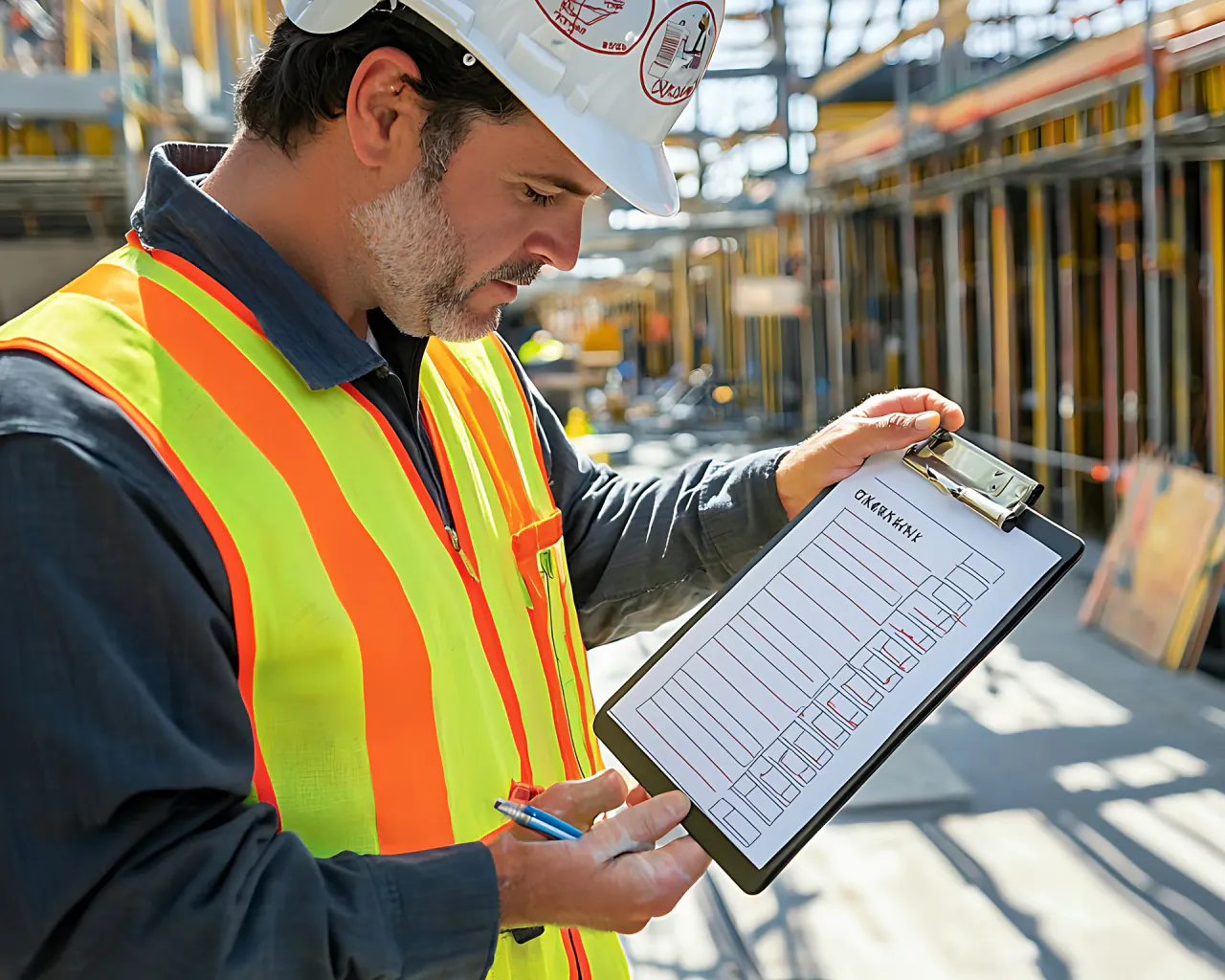
A site manager in a hard hat and hi-vis checking a list on a clipboard beside formwork
Questions

Asked before the first
RAMS is reviewed.

What does the AI look for in a RAMS?
What a careful second reader would: vague controls, hazards with no matching control, copy left over from another job and generic emergency arrangements. It also flags site details that disagree, PPE that does not match the hazards and out-of-date references. The table above shows what each flag looks like and what a good RAMS says instead.
Can it review a subcontractor’s RAMS before we accept it?
Yes. A subcontractor’s RAMS is submitted into Unibuild and reviewed by the AI before anyone accepts it. Your reviewer then approves it or returns it with comments, and every decision carries a name and a date. Both sides see where it stands.
Who signs off a RAMS after the AI review?
Your competent person does. The AI review flags what needs attention, and the person responsible for the work decides what changes and signs the RAMS off. The duty to assess the risk stays with the employer, as it does with every record in the platform.
Is a RAMS checked by AI legally valid?
Yes. Nothing in the law stops a RAMS being checked by AI. What the law asks for is a suitable and sufficient assessment of the risks, under regulation 3 of the Management of Health and Safety at Work Regulations 1999. The RAMS stays your firm’s document, signed off by your competent person.
What happens to a RAMS after the AI review?
The writer fixes what was flagged, and your reviewer approves the RAMS or returns it with comments. Once released, each operative reads it on the phone in their own language. They sign in the app, or through a signing link with nothing to install. The RAMS app page covers signing in full.
What can we show an auditor or a principal contractor?
The RAMS as a PDF, with every signature printed on its final page, each with its date, time and device. Behind it sit every version, the edit log and the name and date on each approval. Unibuild keeps the whole record for seven years.
What is sent to the AI, and can it be switched off?
Only the document under review. Credentials and configuration are excluded before anything is sent, and every route your data can take is listed on the integrations page. If you prefer, the AI is switched off.
Can the review work to our own templates and standards?
Yes. Your own RAMS templates are imported free during onboarding, alongside around forty starters by trade. Anything your firm needs the review to look for is built for you, and changes after go-live are included in the monthly fee.
Which documents does Unibuild review besides RAMS?
Method statements and risk assessments on their own, estimates, quotations and tender submissions, and other document types besides. Each is reviewed before it is issued or accepted. See AI document review, AI estimate review and AI tender review.
Which AI model reviews our RAMS?
The one you choose, and you can change it later. If your firm already pays for an AI service, the RAMS review can run on that account. How model choice works.
Is there a free RAMS checker?
Yes, for the reading you do yourself. The free RAMS review checklist sets out 18 checks to make before accepting a RAMS, with no sign-up. Inside Unibuild, the AI review reads a RAMS before your reviewer does.
How much does AI RAMS review cost?
Everyday AI is in the monthly fee. Heavier AI work is paid as used, at the AI provider’s own rate, with nothing added. The cost of AI is bespoke to each firm, and we set it out in the demo against your own volumes. How AI is charged.
Ask for a quote

Tell us a little about the firm.
We do the rest.

Two minutes. A written figure by email, usually the same working day. Unlimited users, so every operative signing a RAMS is included.

Headcount
Areas of interest
