The TV board

Put the week
on the wall.

Read-only screens for the office. They refresh themselves, and nobody has to log in to look.

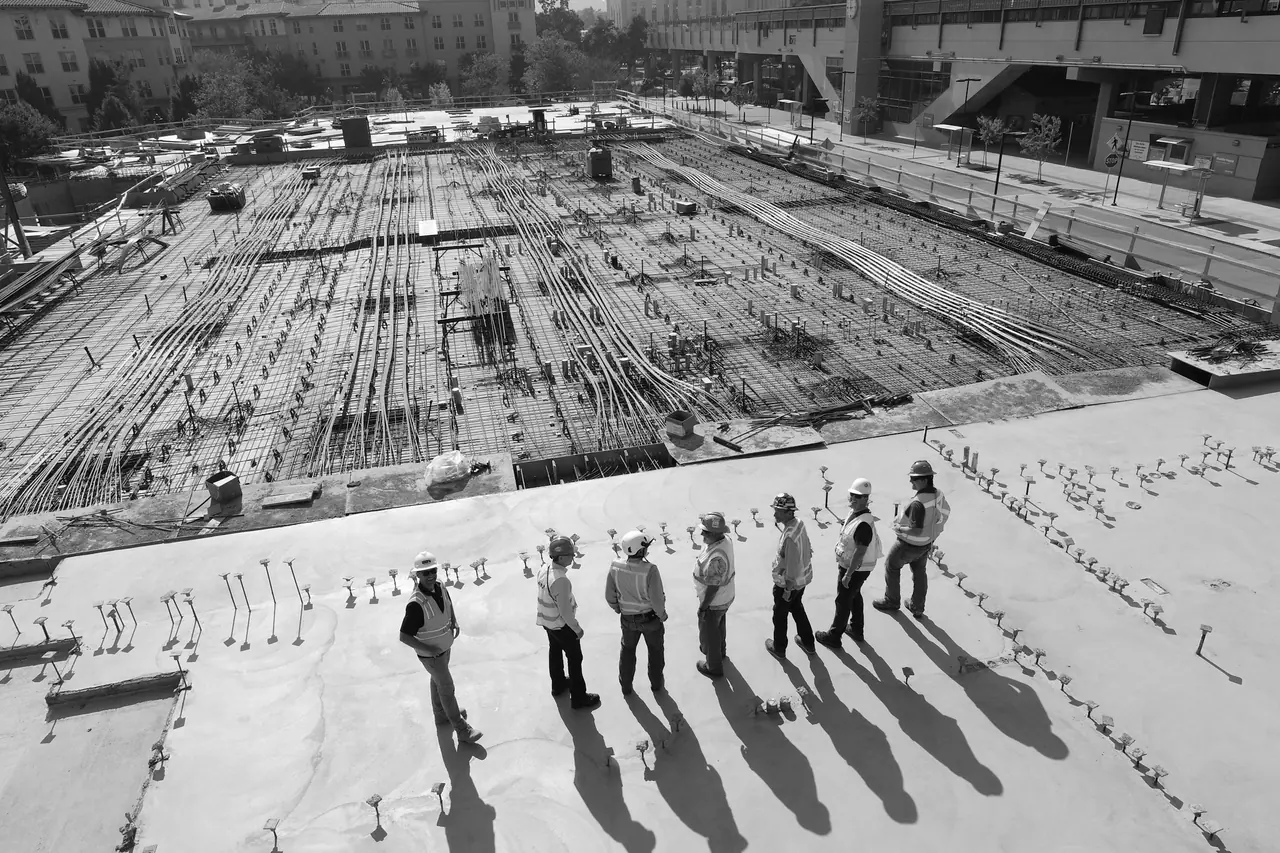
A gang standing on a slab: the day's labour allocation, before anybody wrote it on a board
In plain terms

A wallboard is a screen in the office showing live information everybody needs and nobody should have to ask for. In construction that is usually who is working where this week, and how the jobs are getting on.

The TV board is Unibuild's set of wallboards. Each one is a page of the platform drawn to be read from across a room, on any television with a browser. They refresh themselves every two minutes, they are read only, and several can be rotated as a slideshow on one screen.

What a plan on a laptop costs

The plan is right. It is just not where anybody is standing.

Which means it is only right for the person who has it open.

Sunday evening
Four calls and a WhatsApp asking where they are in the morning.
The same four, every week
The whiteboard
Right on Monday morning. Wrong by Tuesday dinner time, and nobody rubs it out.
Trusted, and wrong
A change at four o'clock
The office knows. The two men driving there tomorrow do not.
Turned up at the wrong job
One man, two jobs
Booked on both. Nobody notices until seven in the morning.
A gang stood waiting
A director walks through
Cannot tell from the room what is happening on site today.
Has to ask somebody
The programme
Printed in March, pinned to the wall, still saying what March thought.
Read by nobody
The underlying issue A plan nobody can see is a plan somebody has to be asked about All week, every week
What goes on the screen

Four things worth putting on a wall.

The labour
week

01

Who is going where, as a month grid where each row is one Saturday to Friday week, or as a single week filling the screen with each day at full height.

  • A headcount badge on every day
  • Projects grouped and sorted busiest gang first
  • Each project in its own colour, with its own count
  • A footer line naming who is off
The week, at a glanceLive
The day,
in faces

02

Touch a day and it opens full screen: the date, how many people are on site, then a card per project listing everybody going there with their photograph.

  • Initials on the project colour where there is no photograph
  • Subcontract firms marked so they read differently at a glance
  • Those who are off listed underneath
  • Keyboard and screen reader accessible
Names, not initials on a gridLive

The project
programme

03

How the jobs are getting on. The four week look ahead held against a project, drawn as a bar chart, so the room can see what is running and what is coming.

  • Task, location, start, finish and duration
  • Today drawn as a line straight through the chart
  • Weekend gaps shown rather than papered over
  • One project, or several, on the same screen
Progress you can see from a doorwayLive

A slideshow
between them

04

One television does not have to show one thing. Rotate the boards you care about and the screen cycles through them on its own, each one live rather than a captured image.

  • Choose which boards are in the rotation
  • Every board still refreshing itself
  • One screen in the office, another in the cabin
  • Nobody has to touch it to change the view
The whole picture, in turnLive

Bring your labour plan and we will put it on a screen.

The quickest way to judge this is to see a week of real allocations laid out the way your office would read it, rather than a description of one.
See the boards running 30 minutes. The demo runs on our own data.
Why it survives a week on a wall

Anybody can put a web page on a television.

Keeping it correct, awake and readable for a month without anyone touching it is the part that takes work. This is that part.

It refreshes itself every two minutes

A full reload, on a cycle, so what is on the wall is never more than two minutes behind the office. The same cycle keeps the browser session alive, which is what lets the board run for weeks without anybody signing back in.

A stray touch cannot freeze it

If somebody has opened a day and walked away, the refresh waits rather than closing it under them. Left open longer than three minutes it is closed anyway and the board reloads, so a screen in a corridor cannot be knocked out of service by a shoulder.

Every cell shrinks its own text to fit

A busy Tuesday with twenty people across eight projects still has to fit one square on the grid. Each cell steps its own type down until the day's content fits. The board itself never scrolls, because nobody is there to scroll it.

The clock is right even when the television's is not

A live clock fixed to UK time with the date underneath, regardless of what the screen it is running on thinks the time is. Office televisions are frequently wrong about this and nobody ever notices until it matters.

Today is obvious from the doorway

Today's cell is outlined and its date picked out, so somebody glancing across the room finds the right column without reading any of it. Company holidays stripe the whole cell and print the holiday name.

It is read only, properly

Not a screen with the edit buttons hidden. There is no edit control on the board of any kind and the page behind it exposes no way to write, so a screen on a public office wall cannot change next week's plan by accident.

What it takes

Putting one up takes an afternoon, once.

There is no hardware to buy from us, no player box, no licence per screen and nothing to install. The whole thing is a browser looking at a page.

01

A television with a browser

Most office and cabin televisions have one already. Where the built-in browser is poor, the usual answer is a cheap streaming stick or a small PC behind the screen, which is what most people end up doing because it makes the browser a known quantity. Either way it is ordinary hardware bought from ordinary shops, and it is yours rather than ours.

02

Somebody signs it in once

The board needs a logged-in session, because it is showing your labour plan and not a public page. In practice one person signs the television's browser in, opens the board and presses fullscreen. The two minute refresh cycle then keeps that session alive, so it is genuinely once rather than every Monday.

03

Choose what it shows

The labour week as a month grid for planning conversations, or a single week when the current week is what matters. The project programme where the office is running several jobs at once. Or a slideshow rotating between them, which is what most offices settle on after a fortnight.

Different screens can show different boards. A cabin on site usually wants this week and nothing else; the commercial office usually wants the month.

04

Put it where people already ask

This matters more than the specification of the screen. The board earns its keep in the room where the question gets asked out loud: the main office, the corridor by the kettle, the cabin where the gangs collect keys. A board in the director's office is a board nobody needed.

05

It is part of the platform

Not an add-on and not priced per screen. Unibuild is one flat monthly fee with unlimited users and every module included, and the boards are pages of the platform like any other. Put one up in the office and one in the cabin and the invoice does not change.

The screen is the easy part. The plan behind it is the work.

A board is only worth the labour run feeding it. If the weekly plan is still a spreadsheet, that is the conversation worth having first.
Book a demo Or call the office on UK hours
Questions

Asked by whoever
runs the office.

What do we actually need to put a board on a TV?+
A television with a browser, and somebody to sign that browser in once and press fullscreen. There is nothing to install, no player box to buy from us and no per screen licence. Where a television's own browser is poor, most people put a cheap streaming stick or a small PC behind it, which is ordinary hardware from ordinary shops. After that the board keeps itself running: it reloads every two minutes, and the same cycle keeps the session alive.
Can somebody change the plan from the screen?+
No, and not merely because the buttons are hidden. The board carries no edit control of any kind and the page behind it exposes no way to write, so a screen on an open office wall cannot alter next week's plan by accident or otherwise. Changes are made on the labour run itself by whoever is meant to make them, and the board shows the result within two minutes.
What happens if somebody walks into it, or leaves a day open?+
The refresh waits rather than shutting a day view under somebody who is reading it. If it has been open longer than three minutes, which means nobody is standing there, it is closed and the board reloads anyway. That single rule is the difference between a board that is still running in a month and one that has been frozen on a Tuesday since the week it went up.
Can one screen show more than one board?+
Yes. You can run a slideshow that rotates through the boards you choose, and every board in the rotation stays live rather than becoming a captured image. Most offices start with the labour week on its own, then add the project programme once people are in the habit of looking at the screen. Different screens can also show different things: a site cabin usually wants this week only, while the commercial office usually wants the month.
How current is what we are looking at?+
Never more than two minutes behind, because the board does a full reload on that cycle. There is no manual refresh to remember and no cached copy to go stale. If somebody moves a man from one job to another at ten past four, the wall is showing it by quarter past.
What does it show about people who are off?+
Each day carries a line naming who is off, and an approved full day of holiday removes that person's allocation from the day rather than leaving a ghost booking on the board. Company holidays stripe the whole cell and print the holiday name, so a bank holiday cannot be mistaken for a quiet Tuesday. The same rule is applied in the web grid, on the board and in the mobile app, from one place, so the three never disagree.
Can subcontractors or clients see it?+
The board is an internal screen and needs a signed-in session, so it is not a public link you can hand out. Subcontract firms are planned in the labour run and do appear on the board, marked so they read differently from your own people at a glance, but they do not log in to see it. What a subcontractor gets is their own portal, covering orders, payments and compliance documents. Where a client should see progress, that is the client portal rather than this.
Next step

Stop being the person who knows.

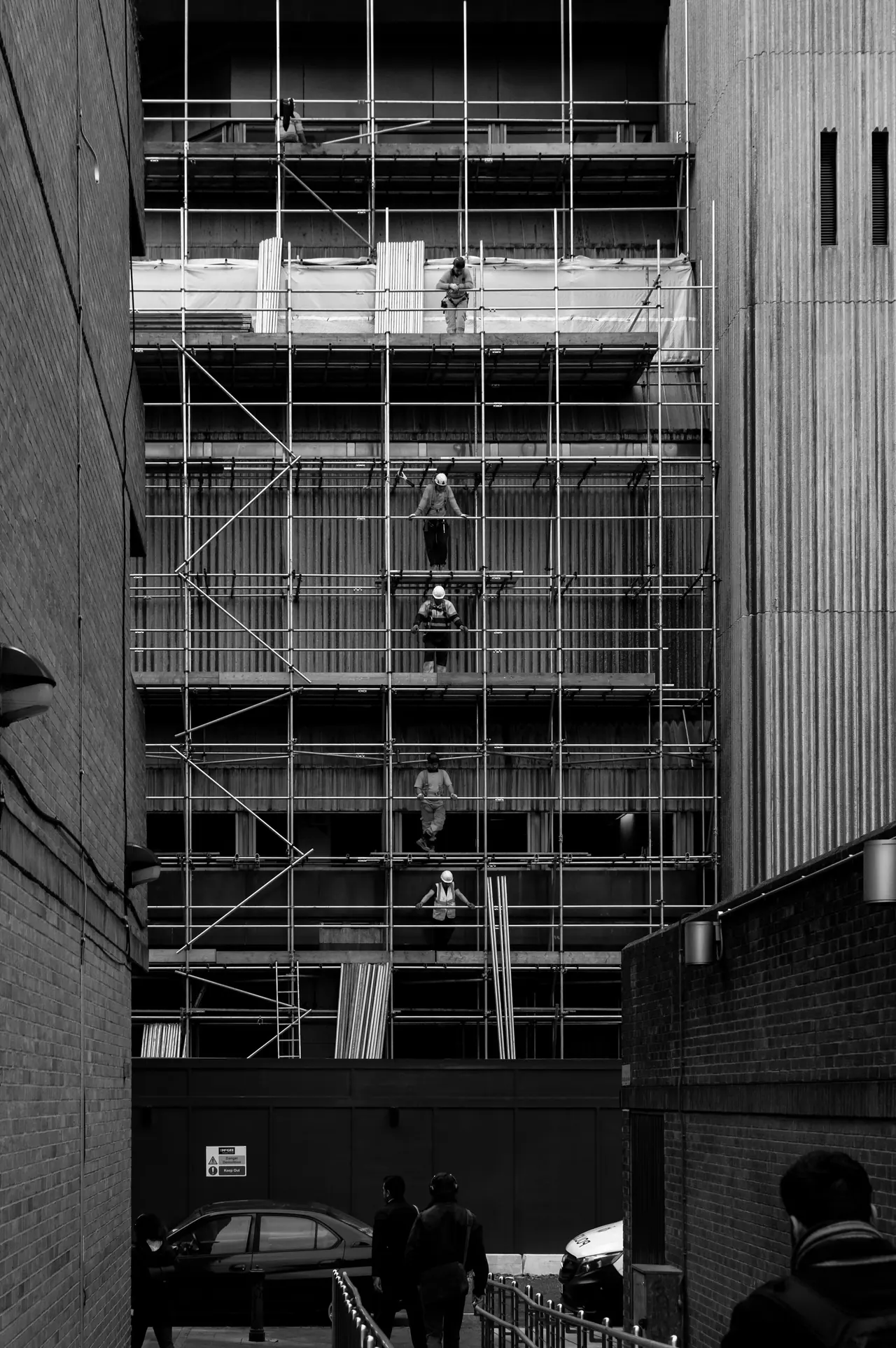
Operatives working across five lifts of scaffold on one job
The point The office already has the answer, it just keeps having to say it out loud Put it on the wall instead
WhatsApp us